
One command.
Total clarity.
Dependency Radar is a free, open-source CLI tool that inspects your JavaScript and TypeScript dependencies and generates a single self-contained report.
Run it in the root of your project:
npx dependency-radarNo accounts. No uploads. Nothing leaves your machine.
View on GitHub →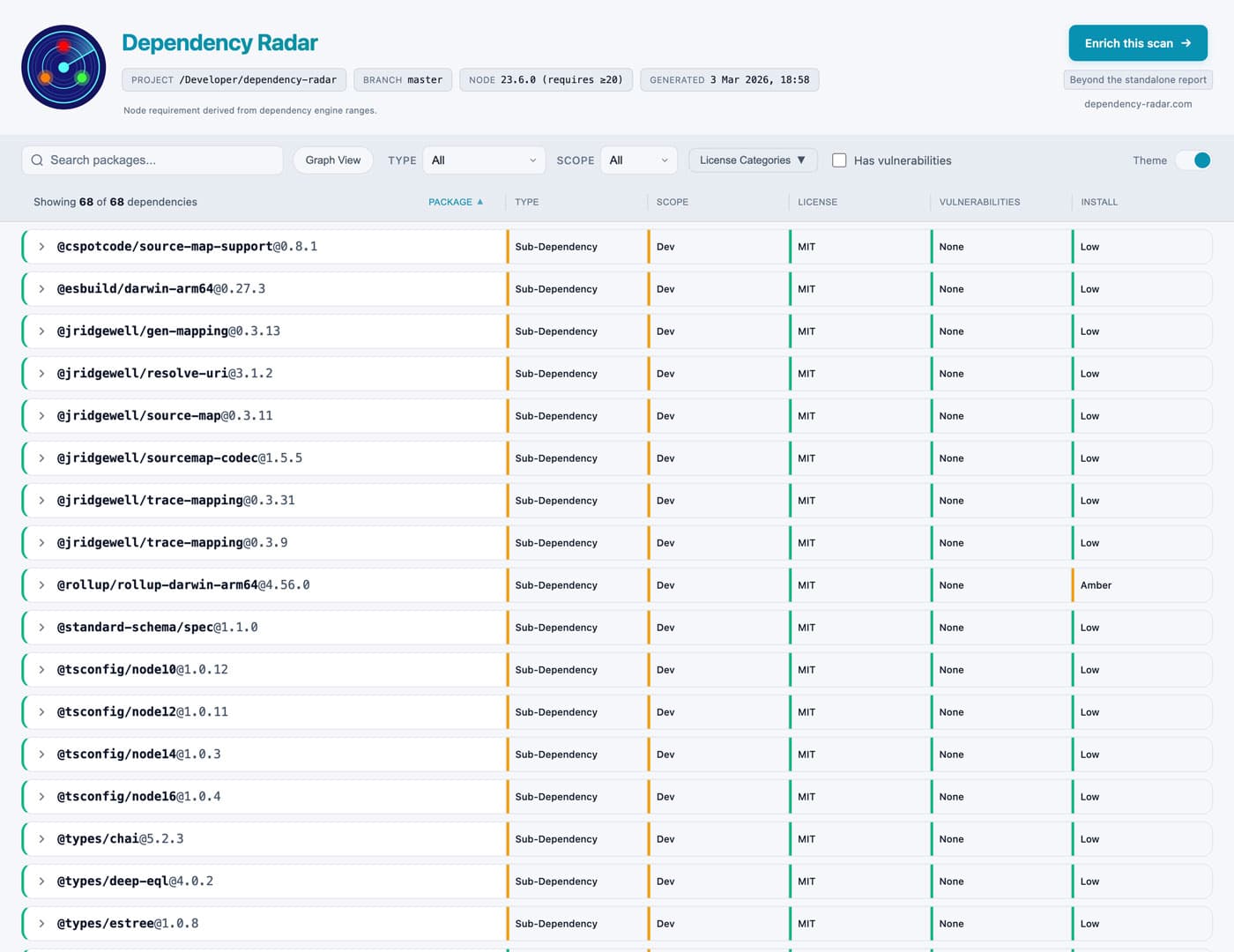
The report
See the report
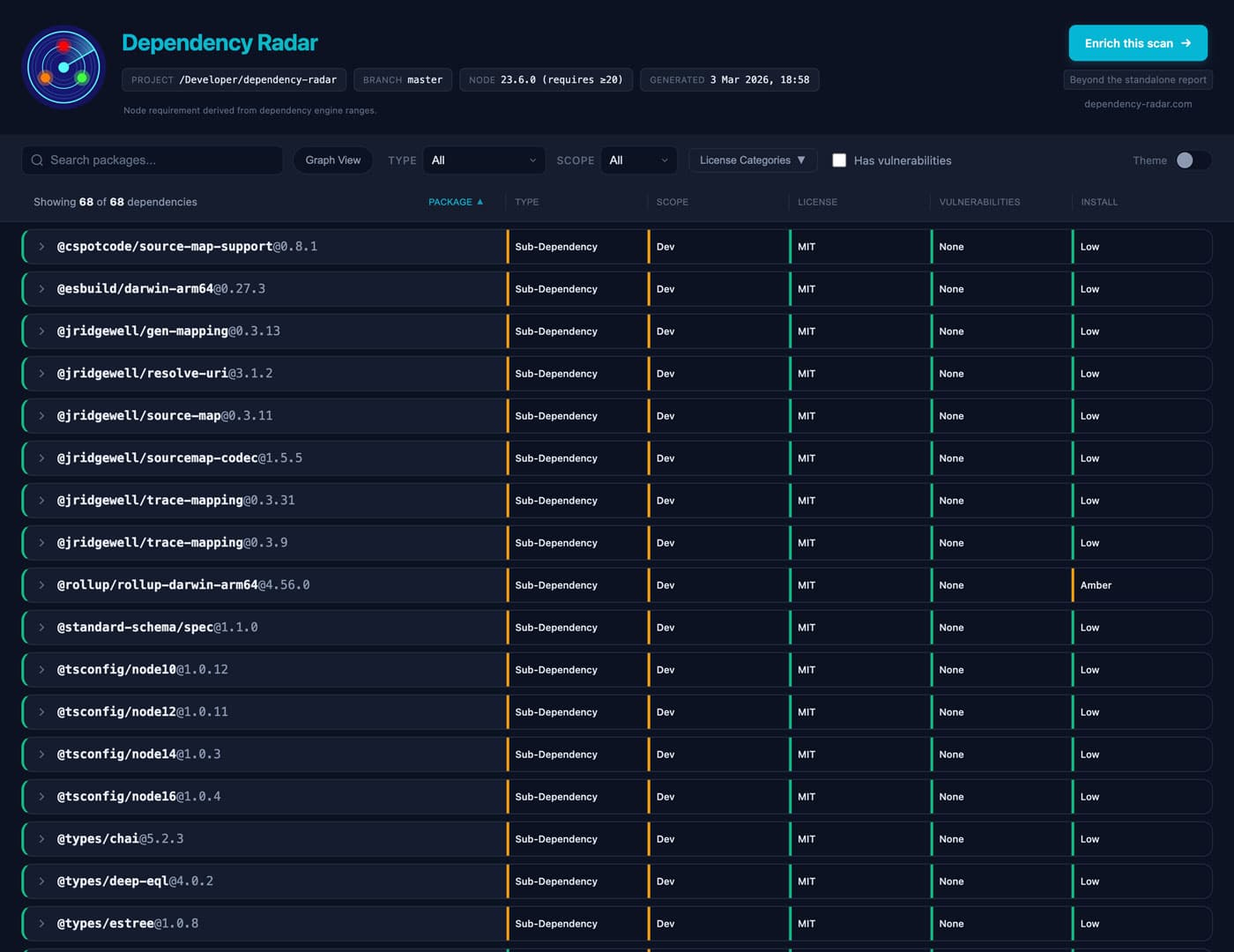
Dependency Radar produces a single interactive report that lets you explore your dependency graph without digging through lockfiles or npm pages.
Each dependency answers three questions:
What is this package doing here?
Which root dependency introduced it and how deep it sits in the graph.
What risk or cost does it introduce?
Licences, vulnerabilities, install scripts, and dependency surface.
What would it take to change or remove it?
Upgrade signals, dependency fan-out, and potential blast radius.
Free & open source
The free CLI tool
Dependency Radar is a dependency analysis and visualisation tool for the Node.js ecosystem. It analyses npm dependencies and works with any project that installs packages using npm-compatible package managers.
Modern JavaScript projects often depend on hundreds or thousands of packages. Understanding them usually means jumping between npm audit, npm outdated, registry pages, lockfiles, and GitHub repos. Dependency Radar brings that context together in one report.
Dependency context
Where a package comes from and whether it is direct or transitive.
Risk & compliance
Licence validation, vulnerability data, and install-time execution signals.
Upgrade friction
Peer constraints, Node engine requirements, deprecated packages, and native bindings.
Dependency surface
What each package depends on and how much complexity it introduces.
Visual dependency graph
Explore the relationships between packages interactively.
All of this is available locally from the free CLI.
Understand the dependencies behind modern codebases
Dependency Radar is useful whenever you need to understand a project's dependency graph. For example:
How it works
Run the CLI locally
Execute npx dependency-radar in the root of your project.
Generate a dependency report
A single HTML file is created containing everything about your dependencies.
Upload for additional analysis
Optionally upload the report for prioritised actions, upgrade guidance, and more.
No repository access required.
Get started
Run Dependency Radar in your project, then explore the report locally. Analyse it further if you want deeper insights.
npx dependency-radar